TaskFANG · Windows utility
Coming soon to Microsoft StoreBatch Word Counter
Count the words in many Word documents at once.
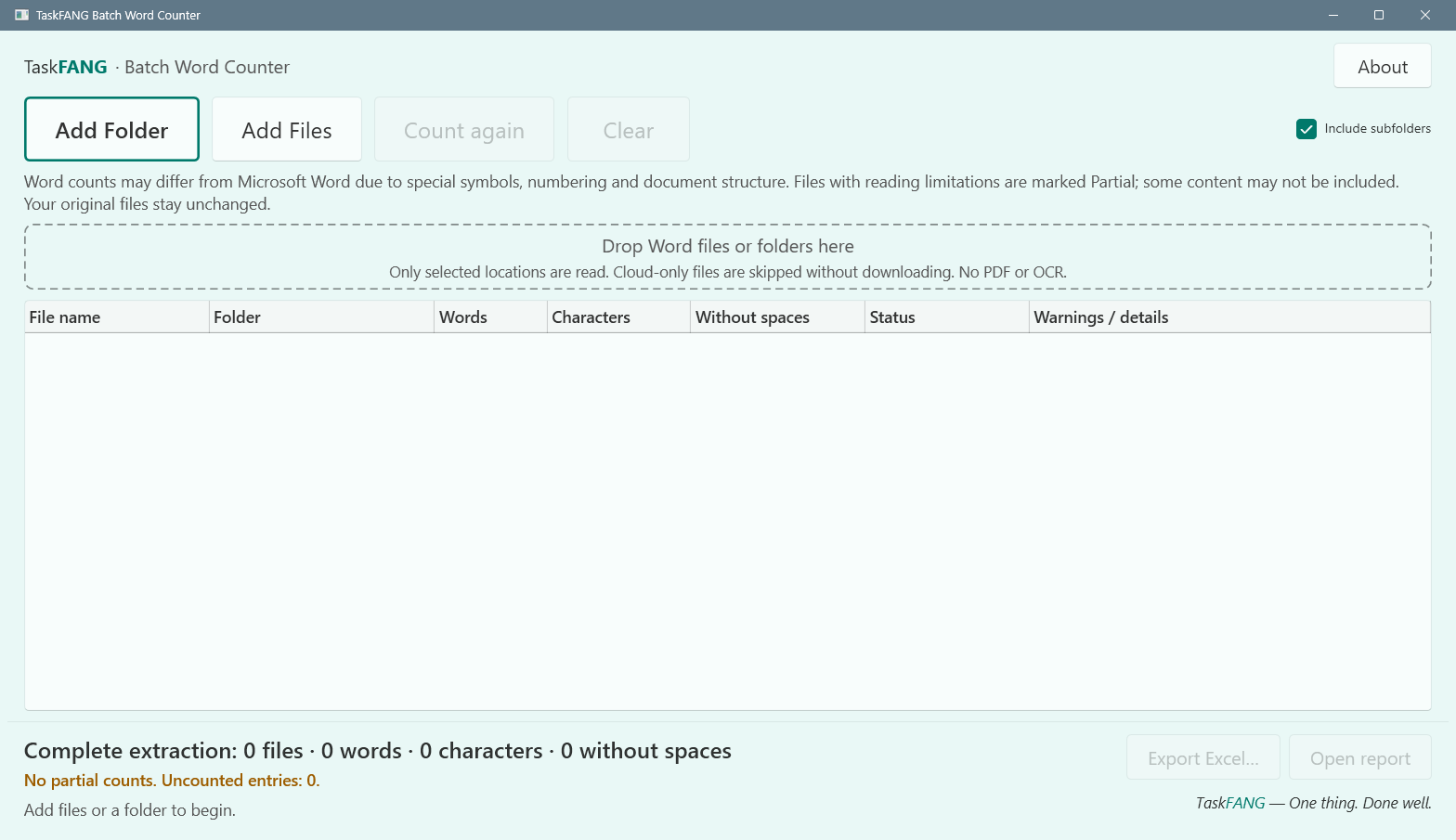
Choose files or folders. Batch Word Counter counts the words and characters in each document, tells you which results need a second look, and exports everything to one Excel report.
Price to be announced before release. One-time purchase of the version you buy, through Microsoft Store. The license is personal and for the purchaser's use only.
Inside the app
Who it's for
Anyone who needs word counts for many documents at once, such as translators, editors and writers, and does not want to open each file in Word.
What it does
- Reads DOCX, DOCM, DOTX, DOTM, DOC, DOT and RTF files.
- Counts words and characters for each file and adds them up.
- Works without Microsoft Word or Excel installed. You need a program that opens XLSX files only to open the report.
- Supports Hebrew file names and Hebrew text.
- Does not run macros or follow external links in documents.
Step-by-step guide
- Click Add Folder or Add Files, or drag files and folders into the window. Include subfolders decides whether subfolders are searched too.
- Counting starts by itself. Cancel stops the work and keeps the results already finished.
- Check the status of each file.
- Click Export Excel, then choose a folder and a name for the report.
- Click Open report to open it.
The results
- Counted: the text was read with no known issue. These files make up the full total.
- Partial: a count is available, but some content may not be included. These files have a separate total, and the file details explain why. DOC, DOT and RTF files always get this status.
- Error, Unsupported, CloudSkipped, Cancelled: the file was not counted. An empty cell does not mean zero words.
The Excel report has a Summary sheet and a Files sheet. An existing report is never overwritten: a new numbered name is used instead.
Questions
Will the count match Microsoft Word exactly?
Not always. Special characters, numbering and document structure can make it differ, so no exact match is promised for every document.
What is not counted?
Headers, footers and review comments. PDF files and text inside images are not supported.
What about a document that is open in Word?
The last saved version is counted and the app tells you so. Unsaved changes are not included.
What about files stored only in the cloud?
They are skipped and not downloaded.
Are my documents uploaded?
No. TaskFANG never uploads your files, and your originals are not changed.
Requirements
Windows x64. Final supported Windows versions will be confirmed at release. Limits: 64 MB per file and up to 100,000 results in one batch; split larger selections into smaller batches.